
DCR-HC96
MiniDV Handycam® Camcorder
Compactness meets power in the DCR-HC96 MiniDV Handycam camcorder. A 3.0 Megapixel Imager and Primary
Color Filter capture incomparable video and stills. Monitoring and playback are pleasurable and user-friendly on
the 2.7″ widescreen LCD Touch Panel display. And a Built-in Flash sheds light on even the darkest conditions.
Step-up
3.3 Megapixel (Gross) Advanced
HAD™ CCD Imager
1/3″ Advanced HAD™ (Hole
Accumulation Diode) CCD with 2048K
(effective) pixels provides stunning
detail and clarity with exceptional
video (up to 530 lines of horizontal
resolution) and still image
performance. The Megapixel
technology enhances your digital
videos and digital still photography
performance.
MiniDV Recording
Offers up to 530 lines of horizontal
resolution, 3X the color bandwidth and
a significantly higher signal/noise ratio,
to provide spectacular video
performance.
10X Optical/120X Digital Zoom
The optical zoom helps to bring the
action close up from far away. In
addition the Digital Zoom Interpolation
means that extreme digital zooming is
clearer, with less distortion than
previous types of digital zooms.
Professional Quality Carl Zeiss® Vario-
Sonnar® T Lens
Carl Zeiss lenses have an advanced
optical multi-layer coating that offers
less glare and flare with increased
contrast. This results in vivid image
brilliance, true-to-life color saturation
and perfect renditions of subtle tones.
The additional T coating on the lens
further reduces unwanted glare and
flare.
2.7″ Wide Touch Panel SwivelScreen™
Hybrid LCD Display (123K Pixels)
The 2.7″ Wide (16:9) LCD screen
provides excellent viewing clarity with
improved resolution. The high resolution
123K pixel LCD screen rotates up to 270
degrees for multiple viewing angles
providing sharp, detailed images for
monitoring or playback, and the
widescreen format makes shooting in
16:9 mode and composing shots even
easier.
Analog To Digital Conversion with
Pass-Through
Convert and/or record any analog
NTSC video source to digitalvideovia
the analog inputs. Analog NTSC video
can also be passed through the digital
Handycam Camcorder directly into a
PC via the i.LINK interface in real-time
for easy PC editing of your analog
footage.
Digital Still Memory Mode with Memory
Stick Duo™ Media
Capture still images at 2016×1512 (3.0
Megapixel) resolution, directly onto
Memory Stick Duo™ Media for easy
transfer to PCs for emailing, printing or
sharing with other compatible Memory
Stick™ devices.
3
Progressive Shutter System
A mechanical shutter system that
provides progressive scan performance
while utilizing an interlaced scanning
system. Digital still images will be
sharp and clear with excellent
definition.
Super SteadyShot® Picture Stabilization
System
Picture stabilization system that uses
motion sensors to detect and
compensate for camera «shake»
without compromising picture quality
like some other digital stabilization
systems.
Handycam Station
The supplied Handycam Station cradle
provides quick and easy connections
to a TV for viewing or to a PC for
editing and sharing video. Just placing
the camcorder on the Handycam
Station instantly makes the connections.
No need to search for cables or wires
when charging or playing back.
i.LINK® DV Interface
A digital high-speed bi-directional
interface which provides Audio/Video
communication between two
compatible devices. This connection
allows for pure digital transfer between
devices equipped with an IEEE1394
interface, such as camcorders, digital
VTRs, capture cards and PCs.
1
One Touch Wide Angle Shooting
Easily switch between 4:3 and 16:9
aspect ratios for shooting with just the
touch of a button.
Manual Focus
Allows the user to manually adjust the
focus of the camcorder using the touch
panel. Manual focusing also allows the
user to control the focus in difficult
situations where either the environment
or the subject does not allow the
camcorder’s auto focus to perform
optimally, such as when shooting
through a window or in a crowded
environment.
ADDITIONAL FEATURES
Tele Macro Function
Active Interface Shoe
USB Streaming
Super NightShot® Plus Infrared System
On Screen Zoom and Record Controls
Program AE (Auto Exposure) Modes
Picture Effects
Digital Effects
Battery Information
Easy Handycam Button
Picture Package™ Software
InfoLITHIUM Battery with AccuPower™
Meter System
2
-
Руководства по ремонту
2
-
Инструкции по эксплуатации
1

SONY DCR-HC96 инструкция по эксплуатации
(140 страниц)
- Языки:Английский
-
Тип:
PDF -
Размер:
3.32 MB
Просмотр
На NoDevice можно скачать инструкцию по эксплуатации для SONY DCR-HC96. Руководство пользователя необходимо для ознакомления с правилами установки и эксплуатации SONY DCR-HC96. Инструкции по использованию помогут правильно настроить SONY DCR-HC96, исправить ошибки и выявить неполадки.
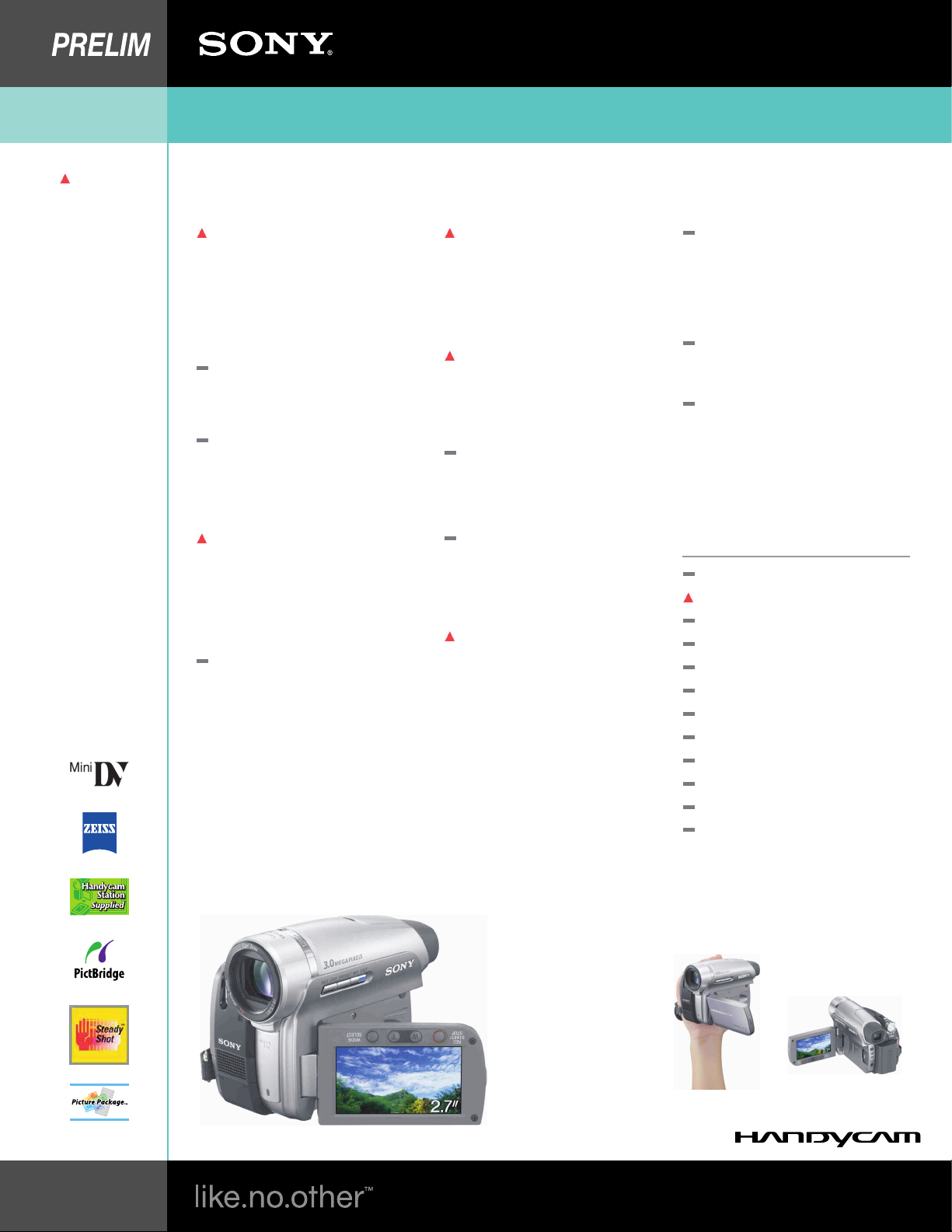
MiniDV Handycam® Camcorder
A 3.0 Megapixel Imager on the DCR-H96 records brilliant stills and spectacular video, while the 2.7″ wide (16:9) Touch
Panel LCD lets you see more in greater detail while providing fingertip control. With the built-in flash, vivid detail and
color can be captured in the most difficult lighting conditions.
3.3 Megapixel (Gross) Advanced HAD™
CCD Imager
1/3″ Advanced HAD™ (Hole Accumulation
Diode) CCD with 2050K (effective) pixels
provides stunning detail and clarity with
exceptional video (up to 530 lines of
horizontal resolution) and still image
performance. The Megapixel technology
enhances your digital videos and digital still
photography performance.
MiniDV Recording
Offers up to 530 lines of horizontal
resolution, 3X the color bandwidth and a
significantly higher signal/noise ratio, to
provide spectacular video performance.
10X Optical/120X Digital Zoom
The optical zoom helps to bring the action
close up from far away. In addition the
Digital Zoom Interpolation means that
extreme digital zooming is clearer, with less
distortion than previous types of digital
zooms.
Professional Quality Carl Zeiss® VarioSonnar® T* Lens
Carl Zeiss lenses have an advanced optical
multi-layer coating that offers less glare and
flare with increased contrast. This results in
vivid image brilliance, true-to-life color
saturation and perfect renditions of subtle
tones. The additional T* coating on the lens
further reduces unwanted glare and flare.
2.7″ Wide Touch Panel SwivelScreen™
LCD Display (123K Pixels)
The 2.7″ Wide (16:9) LCD screen provides
excellent viewing clarity with improved
resolution. The high resolution 123K pixel
LCD screen rotates up to 270 degrees for
multiple viewing angles providing sharp,
detailed images for monitoring or playback,
and the widescreen format makes shooting
in 16:9 mode and composing shots even
easier.
Analog To Digital Conversion with PassThrough
Convert and/or record any analog NTSC
video source to digital video via the analog
inputs. Analog NTSC video can also be
passed through the digital Handycam
Camcorder directly into a PC via the i.LINK
interface in real-time for easy PC editing of
your analog footage.
Digital Still Memory Mode with Memory
Stick Duo™
Media
Capture still images at 2016×1512 (3.0
Megapixel) resolution, directly onto Memory
Stick Duo™ Media for easy transfer to PCs
for emailing, printing or sharing with other
compatible Memory Stick™ devices.
Progressive Shutter System
A mechanical shutter system that provides
progressive scan performance while utilizing
an interlaced scanning system. Digital still
images will be sharp and clear with excellent
definition.
Super SteadyShot® Picture Stabilization
System
Picture stabilization system that uses motion
sensors to detect and compensate for
camera «shake» without compromising
picture quality like some other digital
stabilization systems.
Handycam Station
The supplied Handycam Station cradle
provides quick and easy connections to a
TV for viewing or to a PC for editing and
sharing video. Just placing the camcorder
on the Handycam Station instantly makes
the connections. No need to search for
cables or wires when charging or playing
back.
i.LINK®
DV Interface
A digital high-speed bi-directional interface
which provides Audio/Video communication
between two compatible devices. This
connection allows for pure digital transfer
between devices equipped with an
IEEE1394 interface, such as camcorders,
digital VTRs, capture cards and PCs.
One Touch Wide Angle Shooting
Easily switch between 4:3 and 16:9 aspect
ratios for shooting with just the touch of a
button.
Manual Focus
Allows the user to manually adjust the focus
of the camcorder using the touch panel.
Manual focusing also allows the user to
control the focus in difficult situations where
either the environment or the subject does
not allow the camcorder’s auto focus to
perform optimally, such as when shooting
through a window or in a crowded
environment.
Super NightShot® Plus Infrared System
On Screen Zoom and Record Controls
Program AE (Auto Exposure) Modes
Picture Package™ Software
InfoLithium Battery with AccuPower™
Meter System
2-659-813-12(1)
© 2006 Sony Corporation
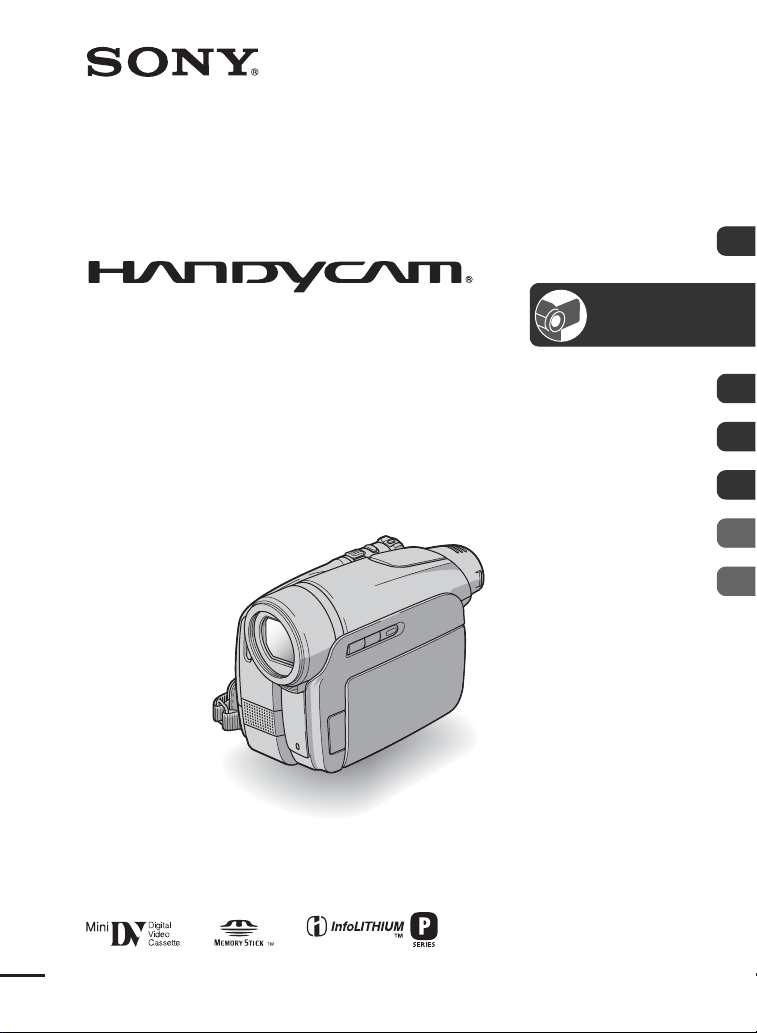
Digital Video Camera Recorder
Operating Guide
DCR-HC36/HC46/HC96
Getting Started 12
Recording/
Playback
28
Using the Menu 44
Dubbing/Editing 71
Using a Computer 86
Troubleshooting 99
Additional Information 122
File type: PDF
File name: 47173248_dcr-hc36.pdf
File size: 3.41 MB
File Language: English
Pages: 140
Author: Sony